 Brim
Brim
Everything your Mac needs, at the brim of the screen.
Brim turns the MacBook notch into a Dynamic Island. Hover it and a panel grows out of the hardware — files, clipboard, focus, tasks, notes, a shelf and live system stats. On Macs without a notch, Brim draws its own.
It lives in the hardware, not in a window.
When idle it is sized to the exact notch dimensions your Mac reports — on a notched machine it is genuinely invisible, black on black, until something happens. Hovering never steals focus from what you are doing.
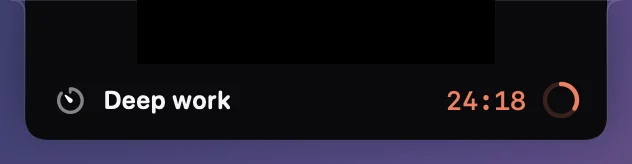
Live activity
A running timer, a finished sort, a copied clip — it surfaces in the notch and goes away.

Peek
Move the pointer up and the island leans out to show you what is inside.
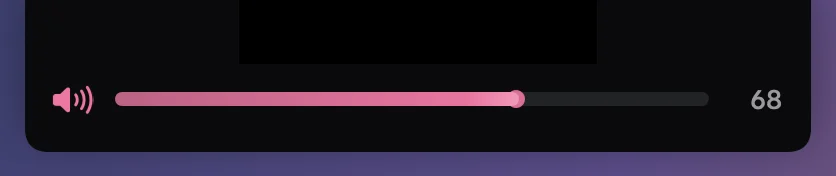
Volume & brightness
Turn either one and the level reads out on the hardware, not over the middle of your screen.
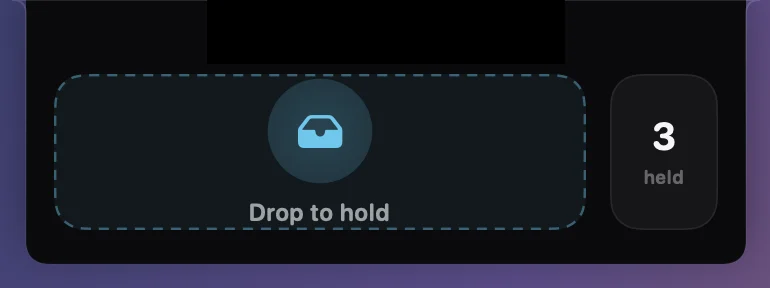
Drop catcher
Start dragging any file anywhere and a drop zone unfurls to catch it.
All the small things, in the one place you always look.
Every panel shares one spring vocabulary — which is why ten unrelated tools feel like the same object moving.
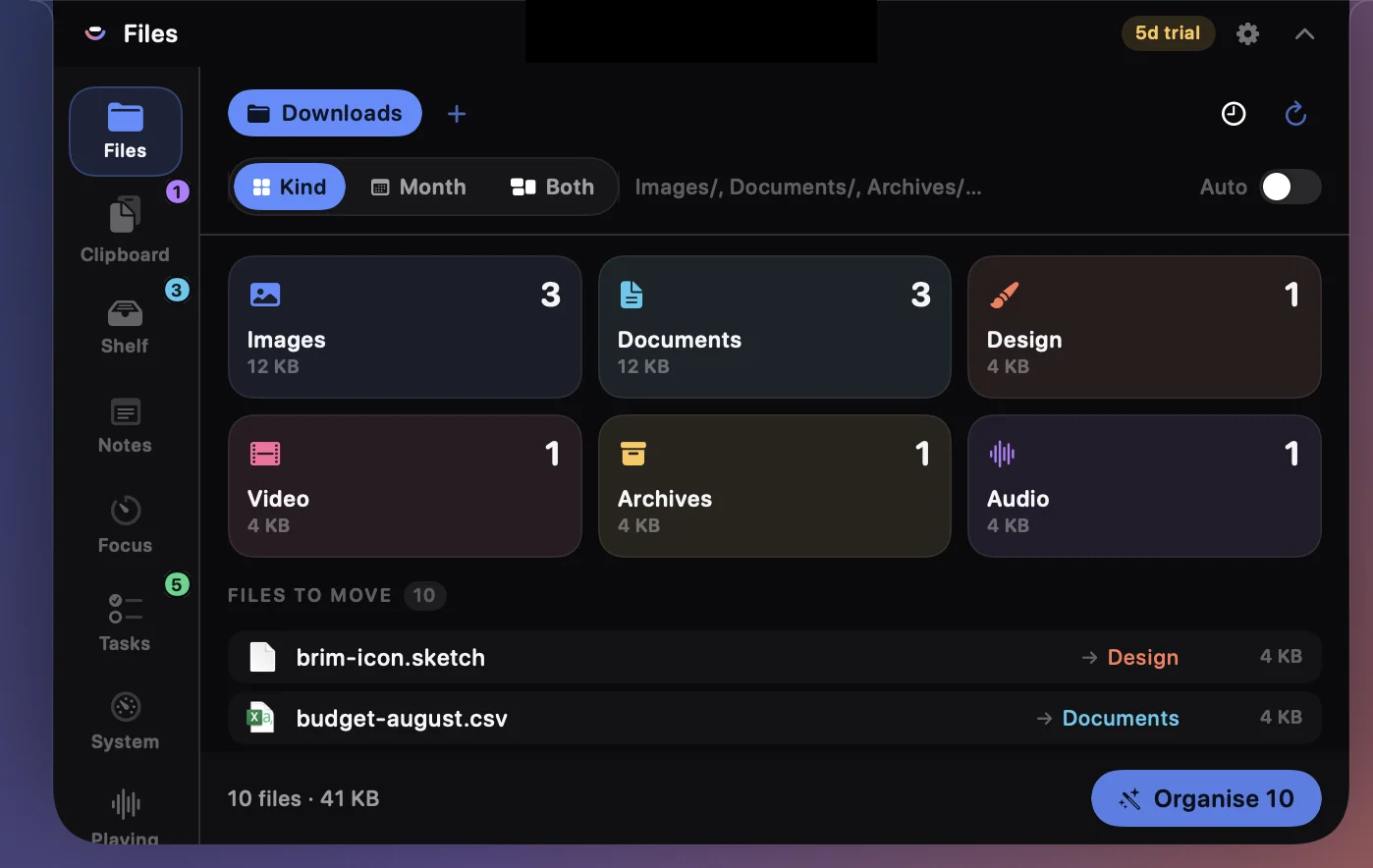
A Downloads folder that tidies itself.
Sort Downloads, Desktop or any folder you add — by kind, by month, or both.
- Dry-run preview before a single file moves
- One-click undo of the whole batch
- Optional auto-sort as new files land
- Name collisions renamed, never overwritten
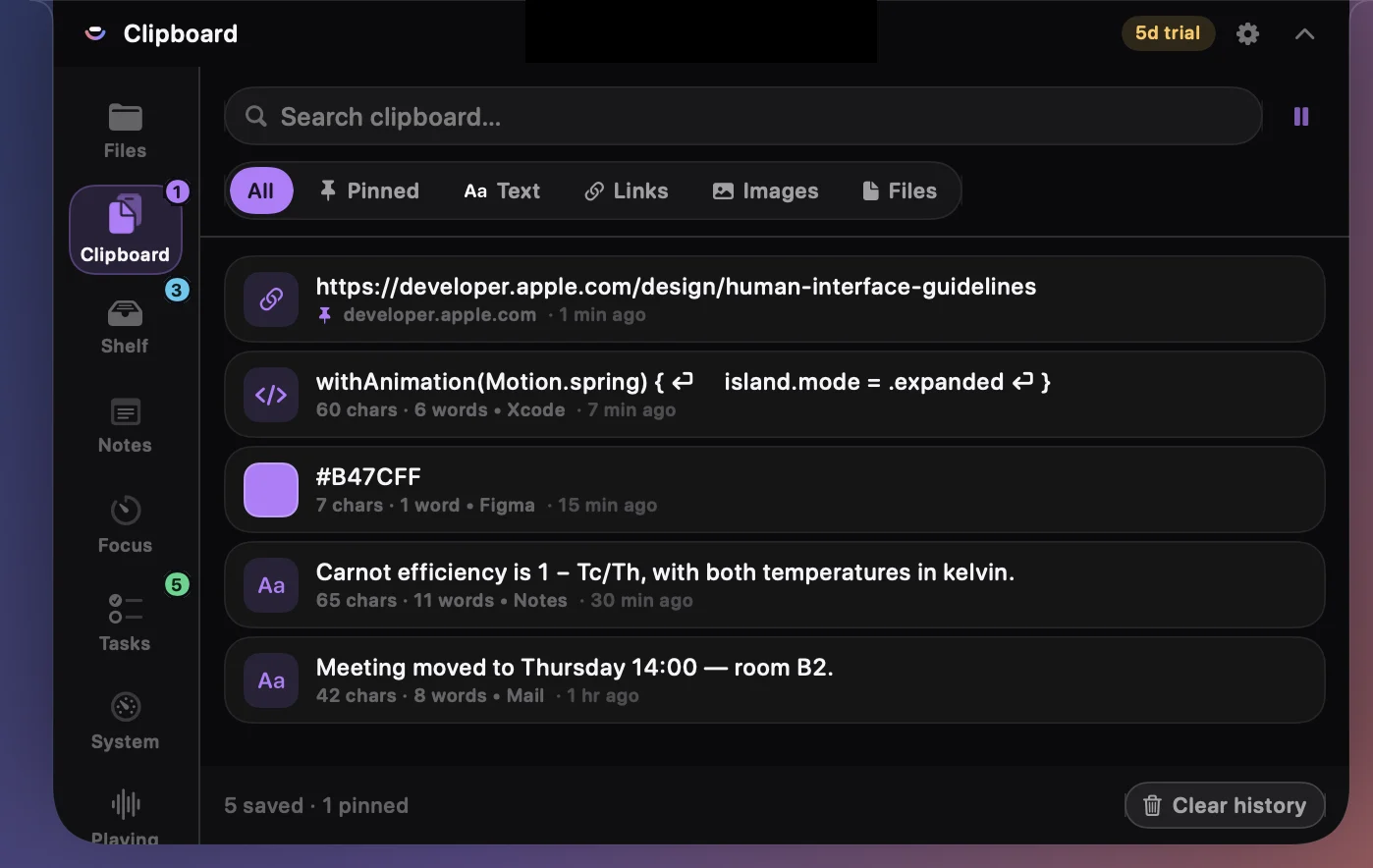
Everything you copy, still there tomorrow.
Text, links, code, colours, images and files — captured, searchable, and pasted straight back into whatever app you are in.
- Search the whole history
- Pin what you reuse so it never ages out
- Colours and code recognised on sight
- Pause capture whenever you want
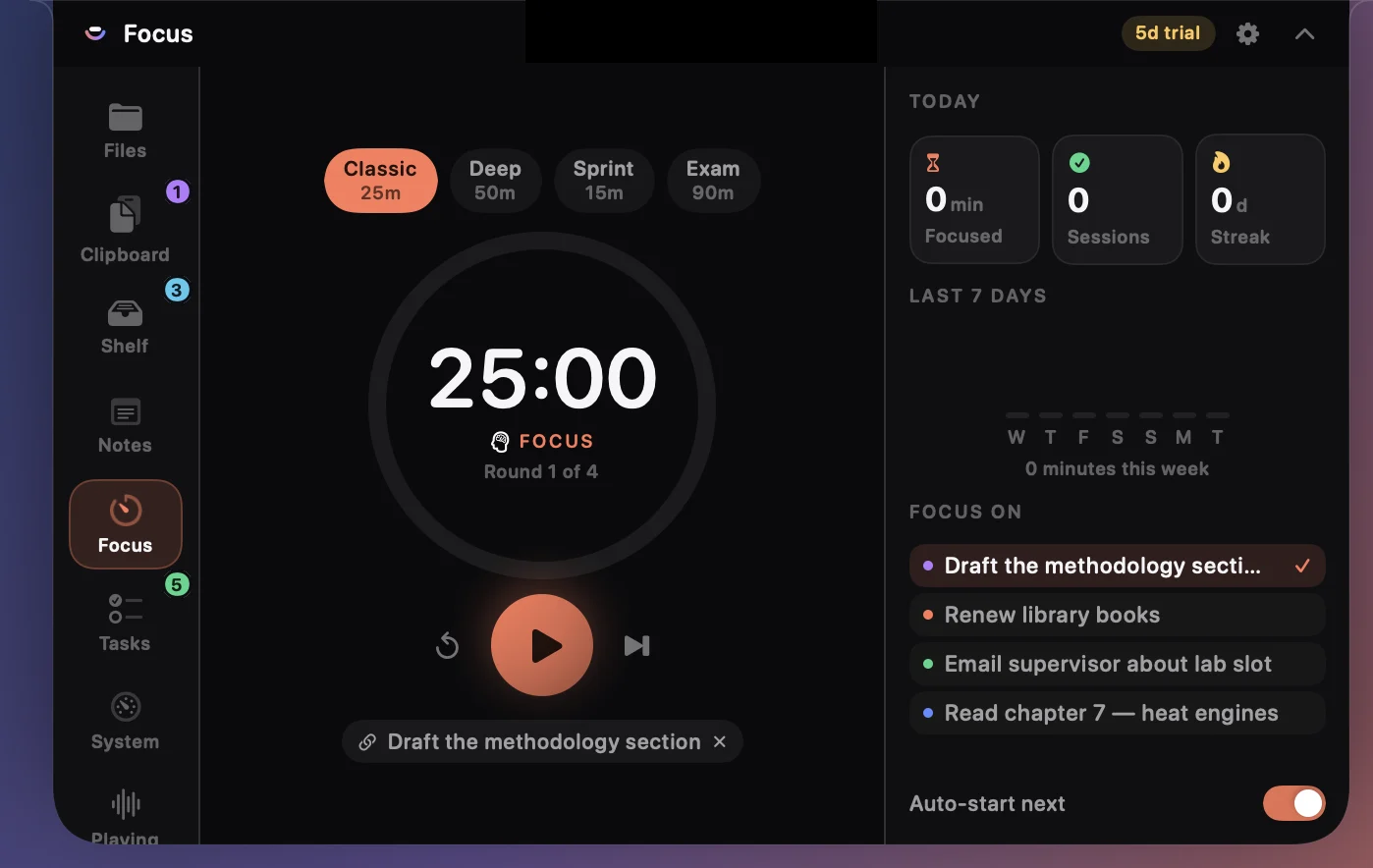
A pomodoro that lives in the notch.
Four presets, a live countdown in the hardware while it runs, and a record of what you actually did.
- Countdown visible without opening anything
- Streaks and a seven-day history
- Link a session to the task you are on
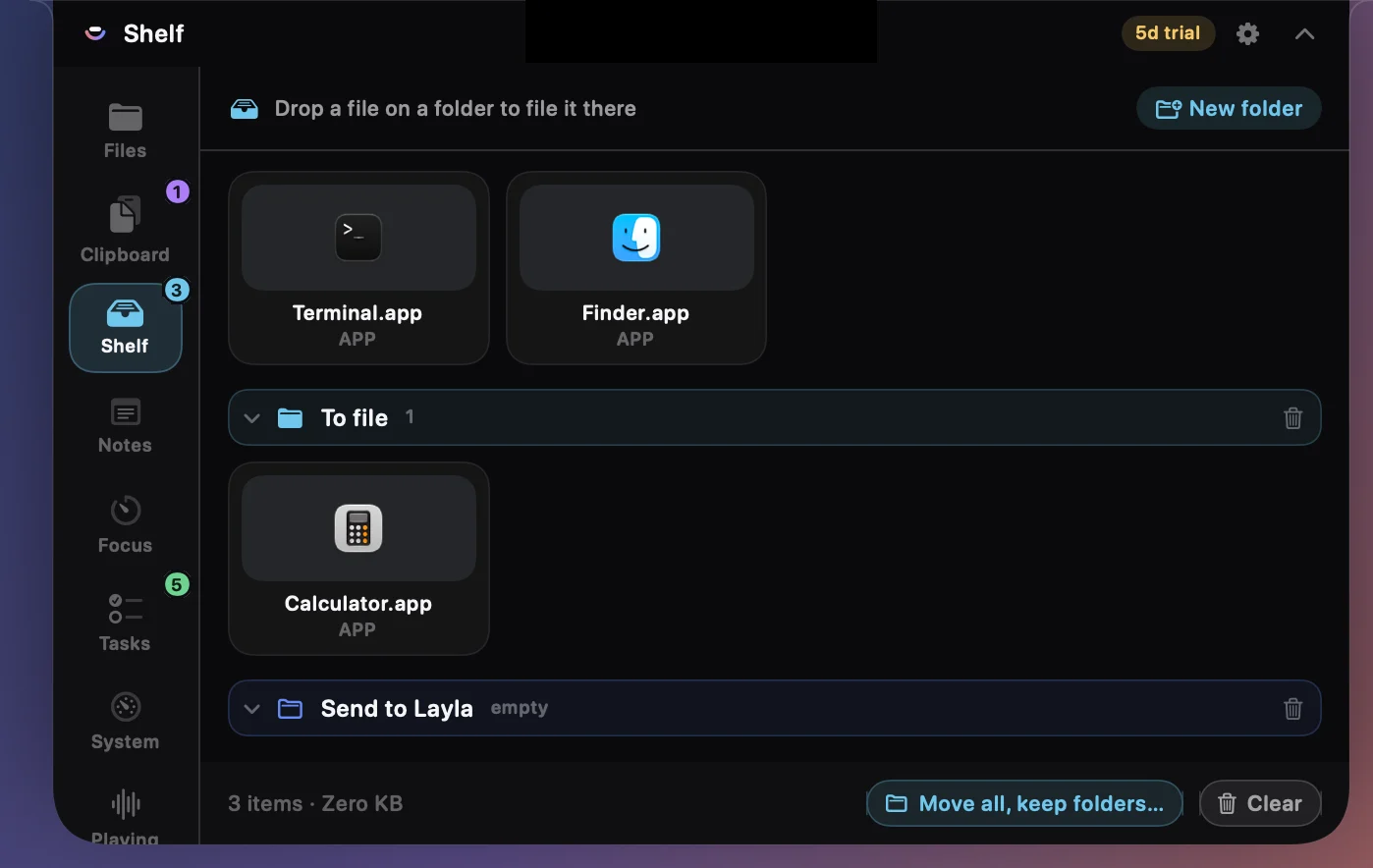
Park a file mid-drag.
Start dragging anything and a drop zone unfurls from the notch. Let go, go find where it belongs, then drag it back out.
- No more juggling two Finder windows
- Sort what you’re holding into folders, right on the shelf
- Empty it once and each folder becomes a real one
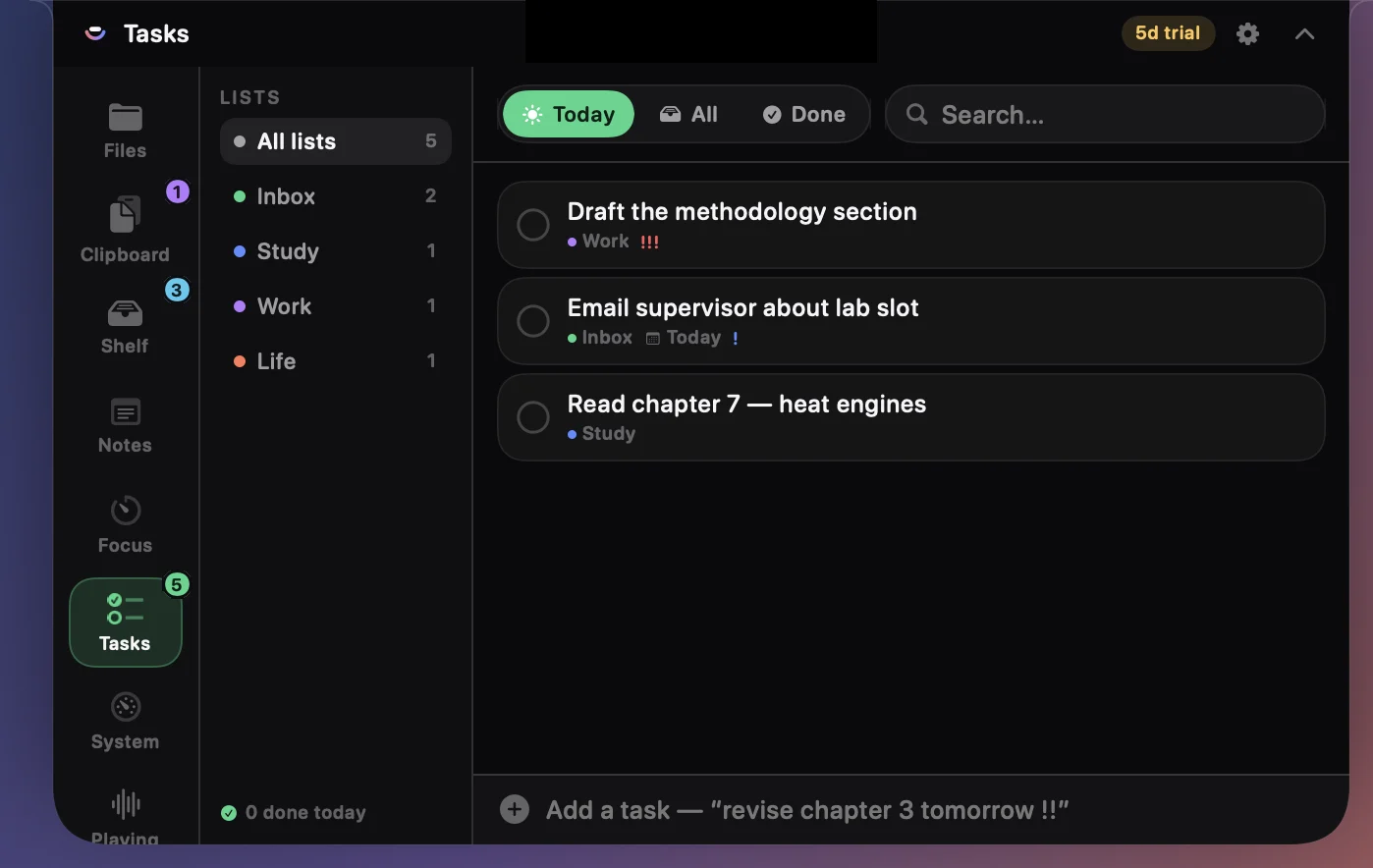
Quick-add that understands you.
Lists, priorities and due dates — typed the way you would say them.
-
!!sets priority,#studyfiles it,tomorrowdates it - Start a focus session on any task
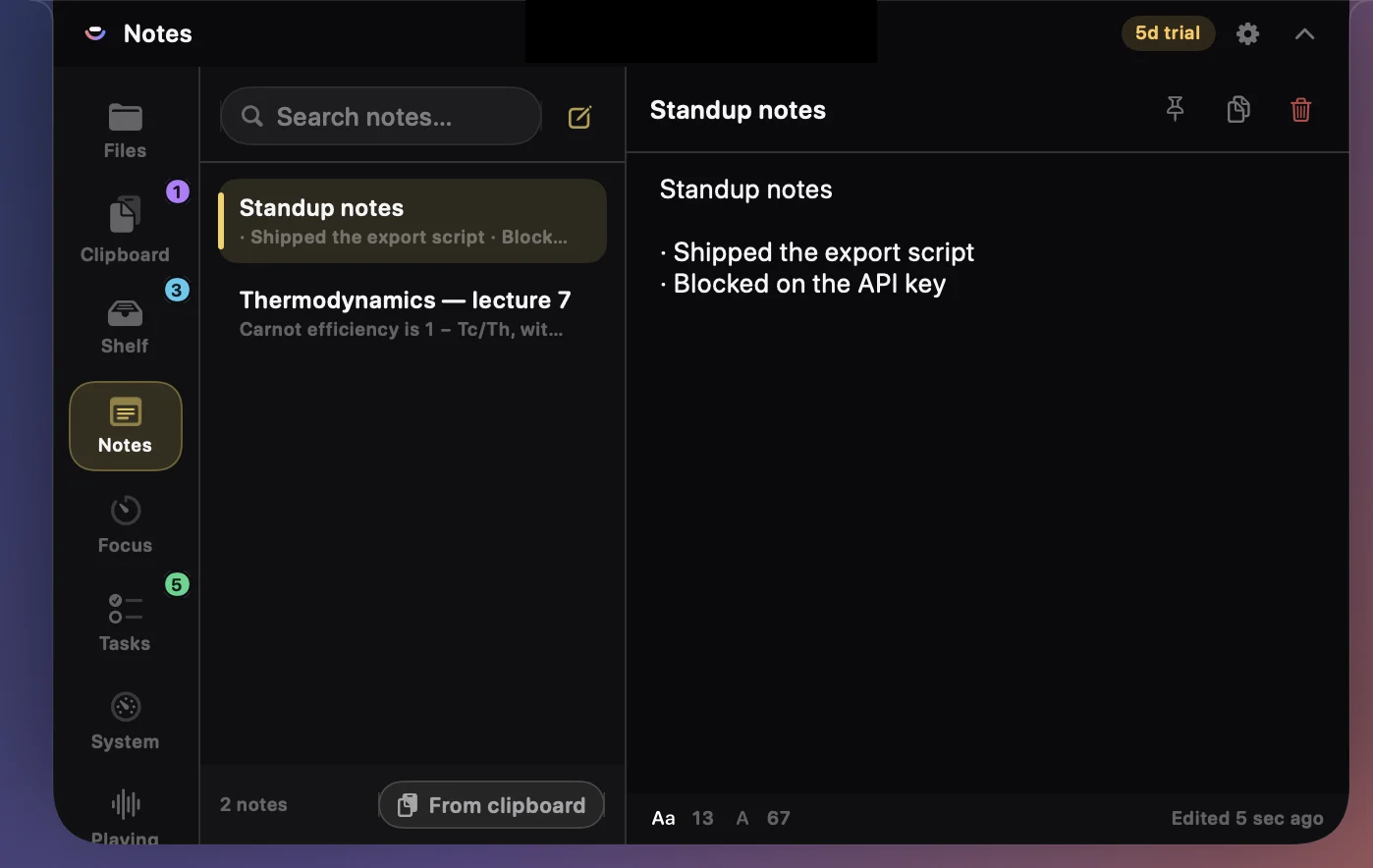
A scratchpad that never asks you to save.
Type and it is kept. Pin what matters, and pull anything straight in from the clipboard.
- Saves as you type
- Pull a clip in without leaving the panel
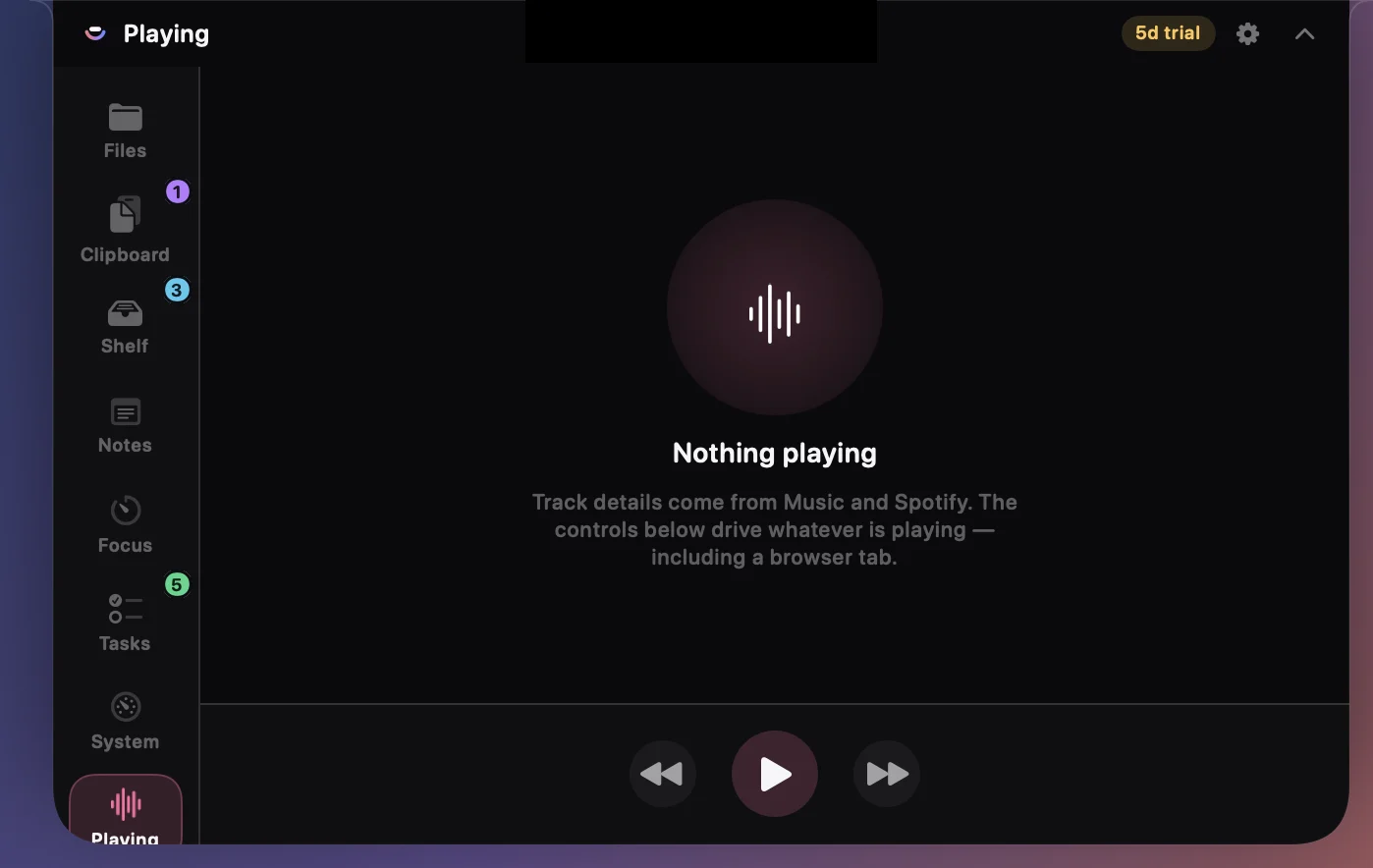
Pin what's playing to the notch.
Music, Spotify, and YouTube or SoundCloud in any browser. Artwork, title and transport buttons sit on the notch while it plays — hover to reach them.
- Artwork and controls pinned to the notch
- Reads YouTube and SoundCloud tabs, not just apps
- Play, pause and skip reach any player at all
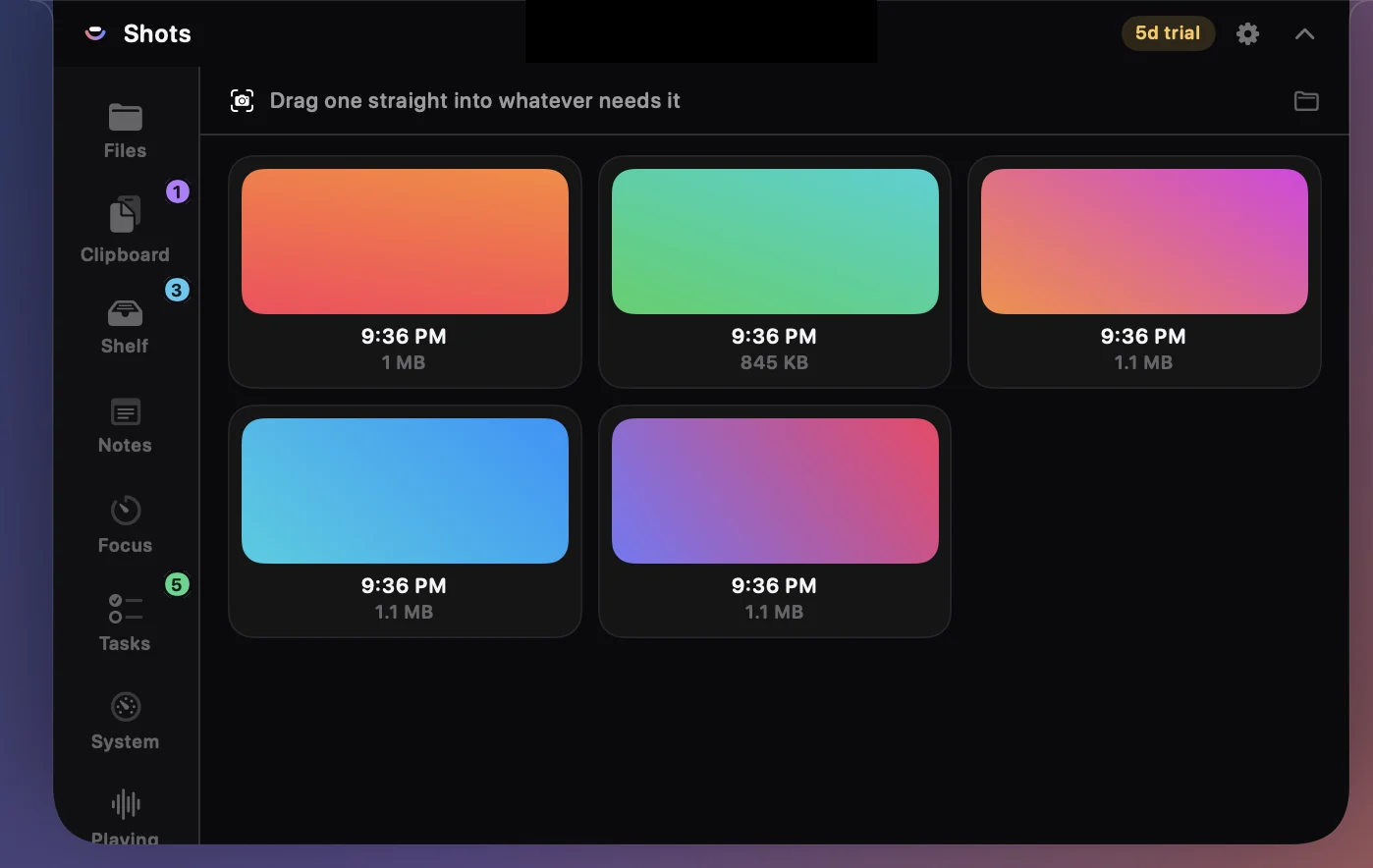
The screenshot you just took, already to hand.
Press ⇧⌘4 and it appears here — drag it straight into a message or a document without going near the Desktop.
- Reads wherever you've told macOS to save them
- Copy, park on the shelf, or drag out
- Deletes go to the Trash, never straight out
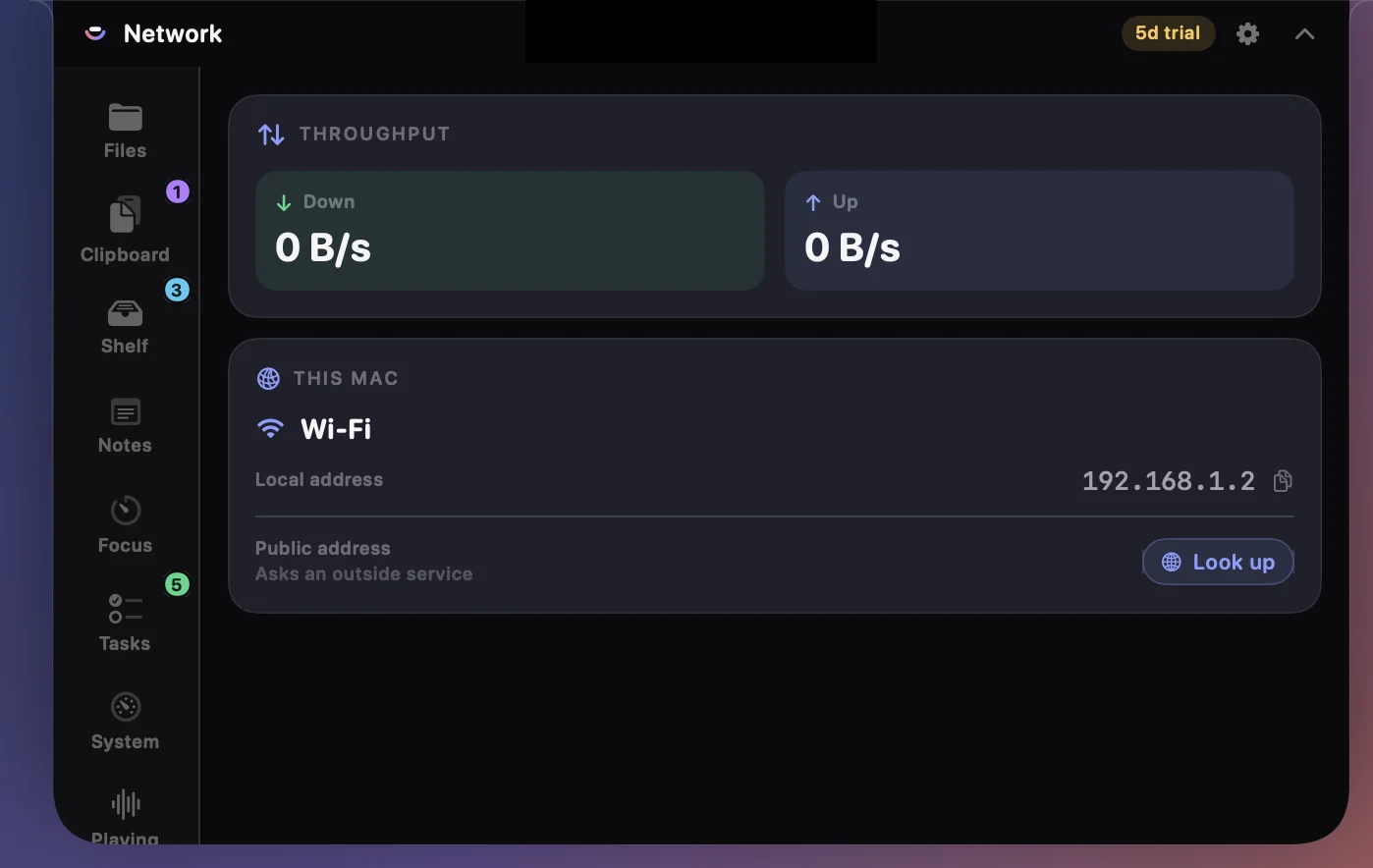
What your connection is actually doing.
Live throughput and every address, without a menu bar full of extra icons.
- Up and down speed, updated every second
- Local address, and VPN when one is up
- Public address looked up only when you ask
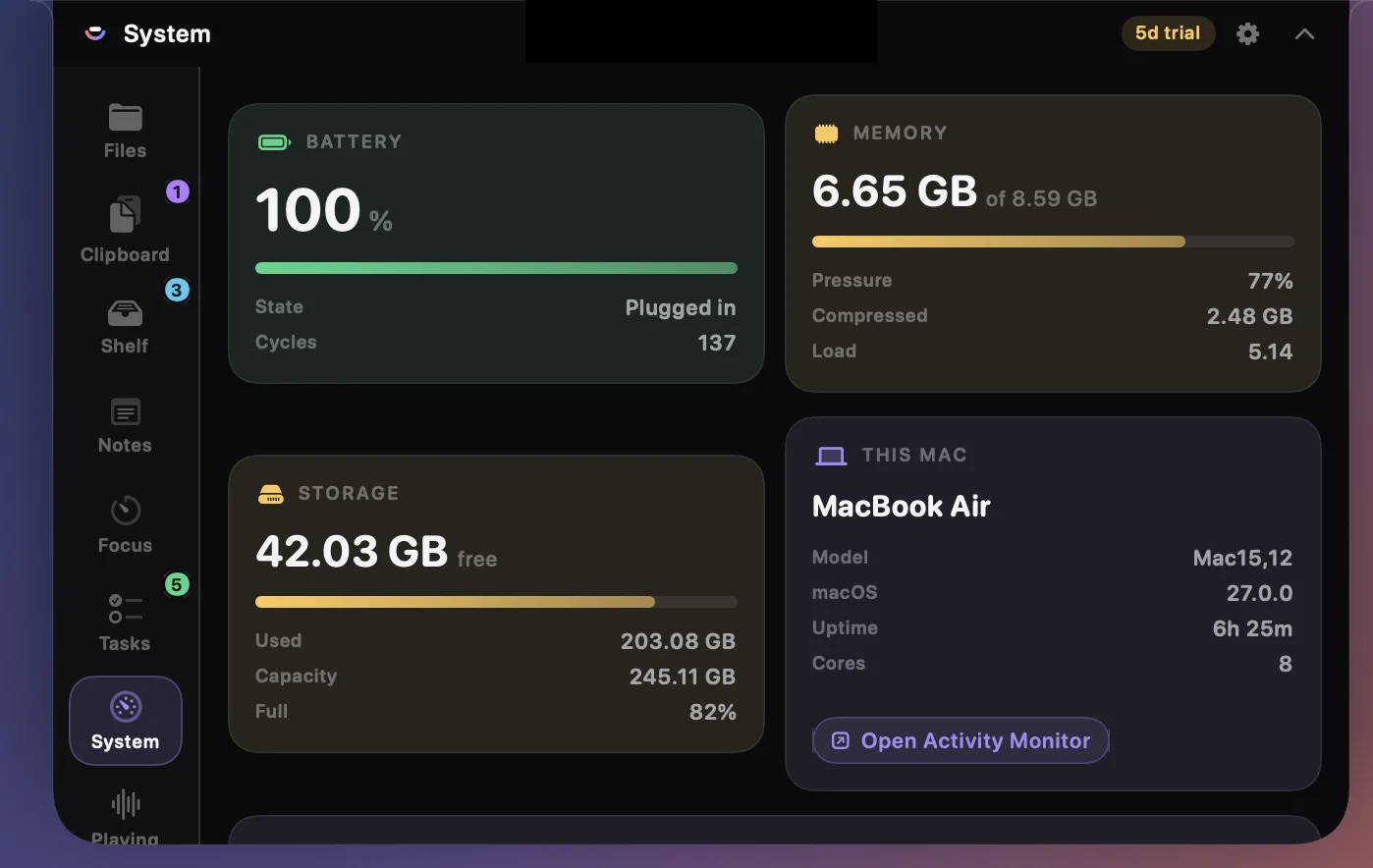
What your Mac is actually doing.
Battery health and cycle count, memory pressure, storage and uptime — live, without opening Activity Monitor. And the gigabytes you didn’t know you could get back.
- Real battery health, not just percentage
- Finds reclaimable caches and shows the size of each
- You tick what goes; nothing that logs you out is offered
Nothing leaves your Mac.
Your clips, tasks, notes and focus history live in plain JSON in your own Application Support folder. The only thing Brim ever sends anywhere is a licence check — and a validated licence keeps working for 14 days with no network at all.
Try it for a week. Then pay once, or barely at all.
One key covers 2 Macs. Every plan has every feature — there is no cut-down version.
Monthly
Month to month, cancel any time.
- All ten tools
- 2 Macs on one key
- All updates while subscribed
Lifetime
Pay once. It is yours.
Pays for itself in 13 months
- All ten tools, for ever
- 2 Macs on one key
- Every future update included
- Never expires, never renews
Yearly
The sensible middle.
Saves 47% versus monthly
- All ten tools
- 2 Macs on one key
- All updates for the year
Brim runs free for 7 days with everything switched on — no card, no account. Download it first and decide afterwards.
What's new
Brim updates often. Here is what has landed.
Put it in your notch.
Unzip it, drag Brim into Applications, open it. Signed and notarised by Apple, so it opens with a double-click — no warnings, no Terminal commands, nothing to work around.